Before / After Cases
Real workflow examples for turning source material into carousel drafts
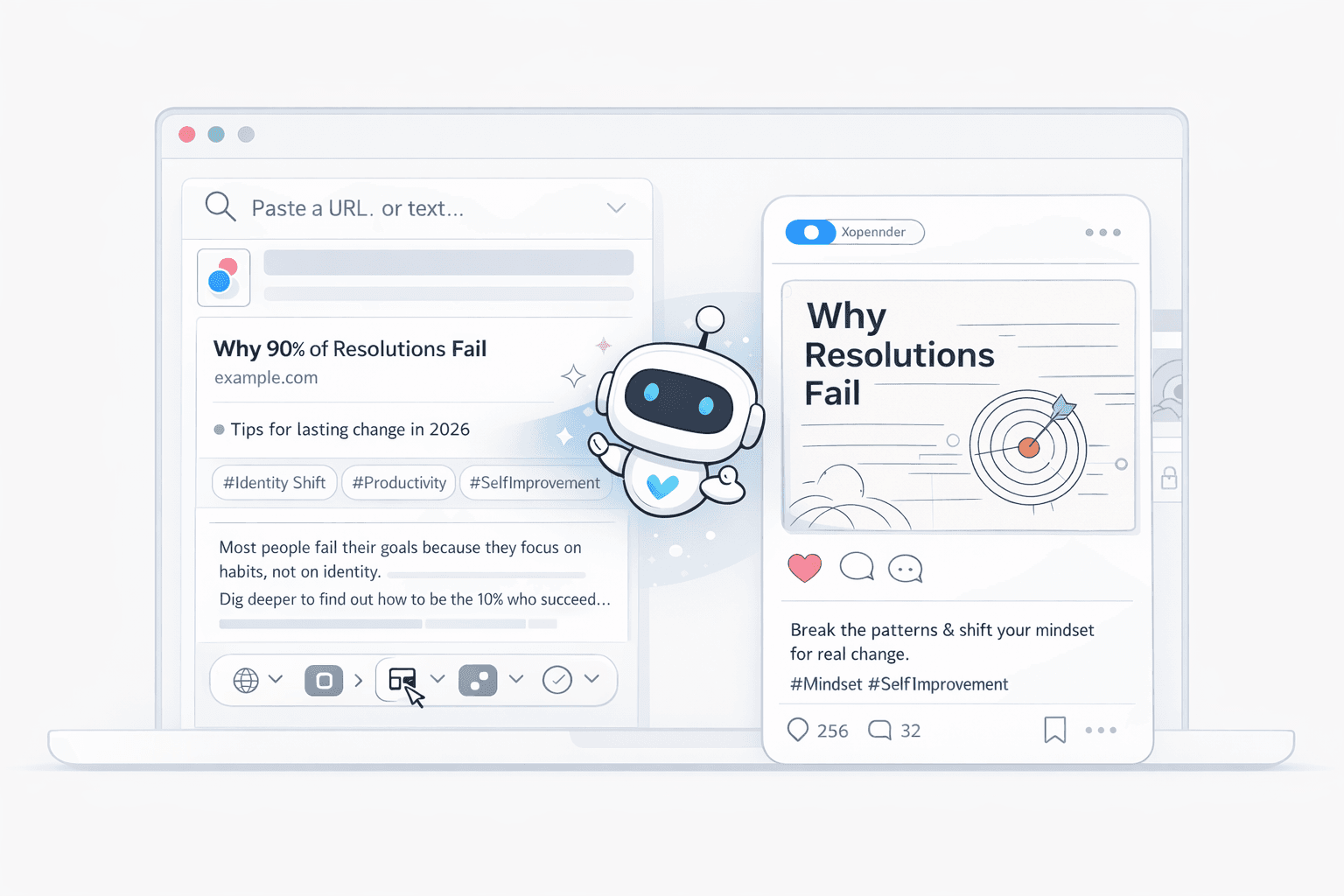
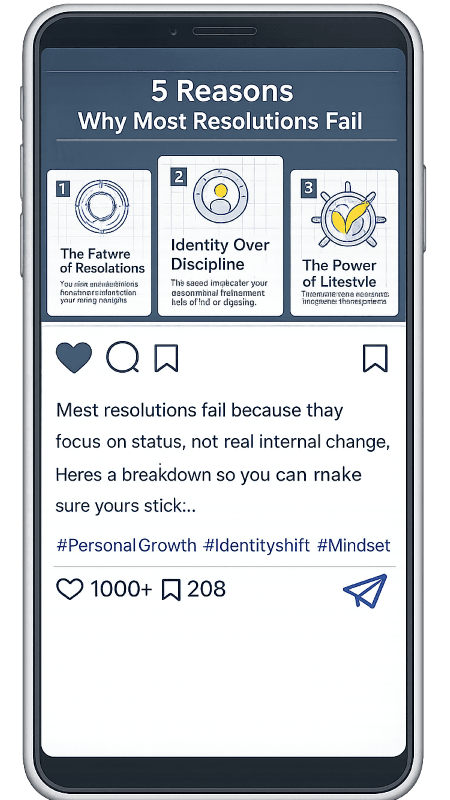
These examples show what a stronger first draft looks like when the workflow starts from material you already have. Instead of opening a blank canvas, the job is to choose the right angle, tighten the structure, and turn the source into a post-ready carousel package.
What these examples are showing
- What kind of source goes in
- How the source gets compressed into a usable angle
- What changes between the raw input and the first publishable draft
Turn one article into a cleaner LinkedIn narrative
A long article usually contains too much context for slides. The useful workflow is to isolate one claim, tighten the opening, and sequence the supporting logic so each card earns its place.
What changed in the workflow
- Pick one implication instead of summarizing the full article
- Turn sections into slides, not paragraphs into slides
- Use the caption to preserve nuance that does not belong on-slide
Turn one newsletter section into a visual social asset
A newsletter often carries several good ideas, but only one of them should drive the carousel. The best-performing draft usually pulls one takeaway forward and rewrites it for faster scanning.
What changed in the workflow
- Choose one section or takeaway per carousel
- Rewrite the payoff so it appears earlier than it does in email
- Keep supporting detail inside the caption, not on every slide
Turn spoken content into a cleaner teaching sequence
Transcripts are full of repetition, detours, and setup language. A better first draft removes spoken clutter, groups related ideas, and rewrites the content into card-level teaching points.
What changed in the workflow
- Strip repeated spoken phrases before writing slide copy
- Cluster related statements into one teaching point per slide
- End with one summary or action slide instead of trailing off
Browse source-first workflow pages
Move from examples into the workflow page that matches the material you already have, whether that starts from an article, URL, newsletter, transcript, research brief, or PDF.
Next StepCompare implementation patterns and tool choices
Use the guides and comparison pages when you want to evaluate the workflow in more detail before starting a draft or replacing part of your current stack.